# The Digital Preparedness Hub: A Room-by-Room Checklist for When the Internet Isn’t There
Your internet connection will go down at some point. When it does, this checklist walks you through what still works, in the order you should build it.
Most preparedness lists fail in one of two directions. The physical ones stop at bottled water and flashlights, as if your documents, photos, and passwords live on paper. The technical ones assume you already run a home lab and want a weekend project. This one ladders both sides in commitment order: four items you can finish tonight with the phone in your pocket, then a weekend of backups and password hygiene, then the deeper work of owning your own keys, and finally the rungs that reach beyond your own house.
Every item below carries four things: what to do, what it costs in dollars and time, and what breaks if you skip it. The how-tos live in sibling guides on this site, linked where they belong; this hub is the map, not the territory. If self-hosting is new territory for you, our beginner’s guide to self-hosting for data privacy is the right first click.
Room 0: Tonight, Free — Your Phone Is Most of the Answer
Four items, zero dollars, under two hours total. These are the highest-leverage moves in the whole piece, and none of them require buying anything.
Download your home region as an offline map. Google Maps and Apple Maps both let you download a region to the phone itself for use with no connection at all (Google’s instructions, Apple’s, iOS 17 and later). Grab a region that covers your home, your workplace, and the roads you’d take to leave town, and do it on every phone in the house. Cost: free. Time: about ten minutes. Skip it, and the day the network drops you cannot navigate or find an alternate route around a closure. One habit to build: refresh the download before storm season, so a stale map doesn’t age out on you.
Confirm Wireless Emergency Alerts are on. WEA is the federal push-alert system — presidential alerts, imminent-threat alerts, AMBER alerts — delivered to capable phones by default, on networks that stay up when voice calls congest. Ready.gov keeps the plain-English explainer and the check. Time: five minutes in Settings. Skip it, and the one push system designed to reach you when everything else is jammed reaches you only if it happens to be enabled.
Build the digital document vault. Photograph or scan your IDs, insurance policies, and bank records, encrypt them, and keep two copies: one in cloud storage you can reach from any device, one on a USB stick. This isn’t our preference — it’s the federal guidance. Ready.gov’s kit list calls for “Important family documents such as copies of insurance policies, identification and bank account records saved electronically or in a waterproof, portable container” (ready.gov/kit). Cost: free with the phone you own and a USB stick. Time: an hour or ninety minutes. Skip it, and replacing documents after a disaster is measured in weeks of phone calls instead of minutes.
Screenshot your critical contacts and account-recovery codes into the vault. The numbers you dial from muscle memory, and the backup codes for the accounts that matter. Skip it, and password resets loop through an email inbox you may not be able to reach — which brings us to the weekend’s work.
Room 1: This Weekend, Low Cost — Backups and Password Hygiene
Room 0 keeps you functional for a weekend. Room 1 protects the stuff you can’t replace.
Implement 3-2-1 for your real data. The federal government’s own guideline, written for businesses but applying to anyone with files they care about: “3 copies of important files, 2 different types of storage media (like a hard drive and the cloud), 1 copy stored off-site, away from your business location” (CISA; the one-page Data Backup Options PDF prints nicely for the fridge). In practice: your computer, an external drive, and one off-site copy — encrypted cloud storage, or a second drive at a relative’s house, which covers the off-site leg with no subscription. CISA’s page adds the line that justifies the whole exercise: “regular backups protect against ransomware and malware attacks.” Ready.gov’s Get Tech Ready page carries the same habits in household language.
Cost: one external drive, low tier. Time: two hours plus automation you set once. The part people skip is the test — CISA says to test backup procedures, and a backup you have never restored from is a hypothesis, not a backup. Restore one file per quarter. Skip the whole item, and a single event — theft, fire, one ransomware run — takes everything at once.
Take your password manager offline-capable. If you use a password manager, export an encrypted emergency sheet and store it with the document vault from Room 0. CISA’s Secure Our World campaign is the federal anchor here: strong unique passwords, a manager, and phishing resistance (the password guidance specifically). If you’re still cloud-only, this is the moment to decide whether your vault should live on hardware you control — Room 3 covers that, and our Vaultwarden guide owns the how-to. For broader account hygiene beyond the outage scenario, personal security habits that survive the next breach is the companion read. Skip this item, and one provider outage or one account lockout strands every account at once.
Turn on two-factor authentication, with offline recovery codes. Priority order: email first, then banking, then the password manager itself. Email is the reset path for everything else, which is why it leads. Store the recovery codes on paper and in the vault. Skip it, and a phished password becomes a lost identity instead of a close call.
Room 2: Own Your Keys — Email and the Quiet Network
This room is about the two services everything else silently depends on: your email identity and your home network’s behavior.
Get an email address you actually own. Your email address is your identity online: account recovery, banking codes, and family contact all route through it, and a free-provider lockout is an identity-loss event. The floor here is not running a mail server — it’s owning a custom domain with an independent inbox you can move between providers if one goes bad. Full self-hosting is the advanced path, and our guide to self-hosting your email walks it with the trade-offs stated up front, including the maintenance burden most how-tos skip. Cost: a domain registration per year, low tier. Time: an afternoon for the domain route, a weekend for self-hosting. Skip it, and every account you own hangs on one provider’s goodwill.
Put a DNS-level blocker on the network. A Pi-hole does two things for preparedness: it cuts the moving parts in your house that talk outward, and it makes every device on the network — including the ones with no settings menu — behave better on a congested or degraded connection. This one gets a plain skip-cost: nothing life-threatening breaks without it. It’s a quality-and-reliability tier, and worth the weekend only after Rooms 0 and 1 are done.
Room 3: This Month, Medium Cost — The House Keeps Its Own Library
Now the rungs that turn a prepared phone into a prepared household. These want hardware and a free weekend, and they compound: each one makes the others more useful.
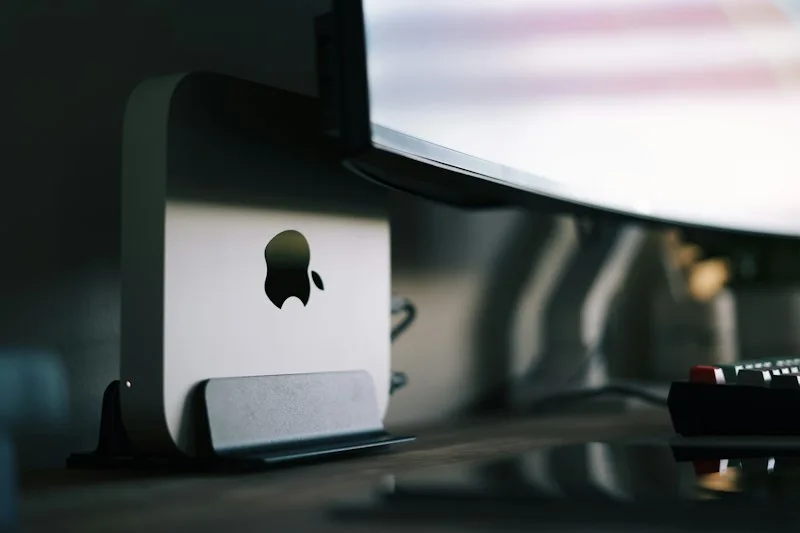
Stand up the home server. Our NOMAD project — a Mac mini class machine serving an offline Wikipedia, maps, and a household library — is the pillar this whole checklist hangs from. The thesis is simple: the house keeps its reference shelf when the internet doesn’t. The offline content packs guide covers what to download first, the offline knowledge library walks the storage tiers, and if a full server is more than you want, Kiwix is the lighter path for the same goal. Two no-new-hardware variants exist: a bootable NOMAD drive you plug into any computer, and the any-Mac-you-own route for laptops. Skip this room, and reference knowledge — first aid, repair manuals, how to treat the water — joins the outage.
Self-host the password vault. If Room 1 convinced you the vault belongs on your own hardware, this is the build. Vaultwarden is an unofficial Bitwarden-compatible server written in Rust, AGPL-licensed, light enough to run alongside the NOMAD server on the same box. Because encryption happens on the client, the server stores ciphertext only — which is exactly why it keeps working LAN-only, no internet required. It belongs to the same arc as running AI models locally: own the thing, keep it in the house.
Automate the house, local-first. Home Assistant with local control keeps lights, sensors, and routines working when the cloud services behind the smart-home gadgets don’t. Frame this one as comfort-and-safety, not survival: the family that can see the hallway at 2 a.m. during an outage is safer, full stop. Skip-cost is proportional — nothing fails catastrophically, but the cloud-dependent gear reveals itself as decoration.
Room 4: The Neighbor Tier — Paper and Mesh
The last two rungs are the cheapest per dollar and the ones nobody does.
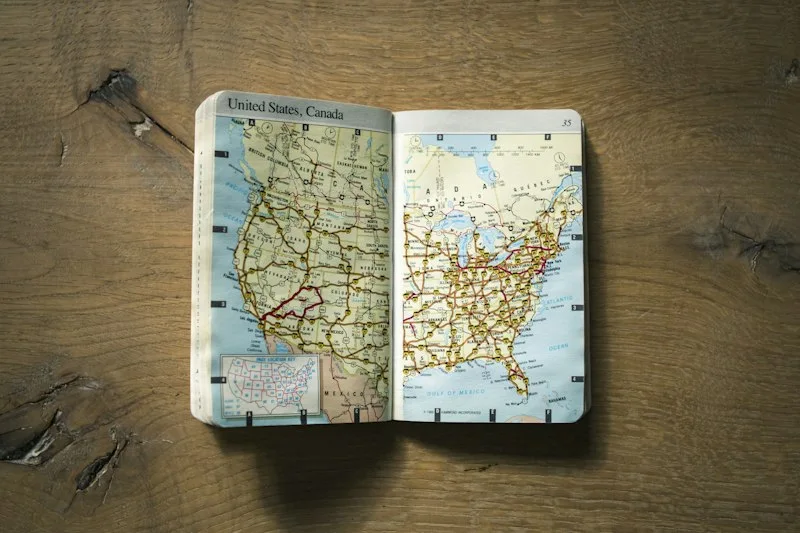
Print the fallbacks. A paper contact list (battery-independent), cash in small bills — ready.gov’s kit list includes “Cash or traveler’s checks,” and for good reason, since card networks and ATMs are outage casualties — a waterproof envelope holding the printed copies of the Room 0 documents, and one paper map of the evacuation route even though your phone has offline maps covered. Phones get lost, broken, and dead. Paper doesn’t. Total cost: a few dollars and an hour at a print shop.
Join or start a community mesh network. Block-level text and voice that don’t need the internet at all — the highest-skill and highest-payoff rung on the ladder. Our community mesh networks guide covers the hardware options and the realistic range expectations. Skip-cost is isolation: the family that can text the street has a sensor network no kit provides — a neighbor notices the water rising, the tree down, the pharmacy that still has power.
Sidebar: Printed vs. Digital — What Each One Covers

The debate usually gets framed as paper or pixels. Federal guidance says both. Ready.gov’s kit language — documents “saved electronically or in a waterproof, portable container” — is an explicit endorsement of each format covering the other’s failure mode.
Digital wins on search, encryption, and weightless copies. An encrypted vault you can restore from anywhere beats a folder you can’t find. Printed wins on the three zeros: zero power, zero unlock, zero skill under stress. It survives the scenario where the phone is dead, lost, or wet.
The rule of this piece, and the one sentence worth saving: anything you must produce under stress gets a printed copy; anything you must protect from loss gets encrypted digital copies. Paper for producing, pixels for preserving.
Why This Matters
None of this is about expecting the worst. It’s the same muscle as everything else in our Tech & Digital Resilience coverage: ownership. A household that can navigate, communicate, and prove who it is without a working connection isn’t paranoid — it’s just less dependent, which is the whole point of the practice. Start tonight with Room 0; the free rungs do more than the expensive ones. And when you’re ready for the deep end, the NOMAD pillar is where this checklist came from — it’s the natural next read.
Related reading

The $30 Radio That Texts Your Neighbors Without Cell Service or Internet
A $30 LoRa board and a free app let your street text through a multi-day outage — no towers, no internet, no license. Real prices, …

Own Your Spotify: Self-Hosted Music Streaming with Kima
Spotify costs $12.99/mo and deleted 75M+ tracks in 2026. Kima adds Spotify-style discovery to music you own. Full stack, cost math, and who shouldn't switch.
Your Old Echo Dot Can Ditch Alexa: Turn It Into a Private Voice Assistant
Old Echo Dot in a drawer? A one-command jailbreak turns it into a private Home Assistant voice speaker — no Alexa, no cloud. Models, risks, …