This article picks up where the Project N.O.M.A.D. on Mac mini M4 build left off: the server is running, and now it needs a library. For the communications layer that ties a neighborhood of these servers together, see our guide to community mesh networks.
A single drive can hold most of the reference material a household would otherwise lose the moment the internet drops. The problem is that nobody tells you what to download first, which packs are worth their gigabytes, and which ones are a waste of a slow connection. Here’s the download list, in order, with real file sizes checked against the Kiwix mirror as of October 2026.
The Server Is Up. The Shelves Are Empty.
In the NOMAD build guide, we installed the full stack on a Mac mini M4 in about 40 minutes and used roughly 25 GB of storage including one 7B AI model. The Kiwix service was running. It just had nothing to serve yet.
That is where most people stall. The Kiwix library catalog lists hundreds of ZIM files across dozens of languages, the full English Wikipedia alone is 119 GB with images, and the temptation is to either download everything (your disk says no) or nothing (the server stays a paperweight). There is a middle path, and it starts with a shelf-by-shelf plan.
One framing note before the list: the packs below all come from Kiwix, the open-source offline reader that NOMAD’s Wikipedia and medical tools run on. Every file is a single ZIM archive you drop into a folder and forget. No accounts, no keys, no per-book downloads.
Shelf One: The Medical Library Comes First
If you only download one thing, make it the medical shelf. Per the Kiwix mirror, the current English Wikipedia medical pack — `wikipedia_en_medicine_maxi` — is 2.1 GB. That is the entire medical, anatomy, pharmaceutical, and public-health corpus of Wikipedia, with images, in a file smaller than a single 4K movie.
There are two smaller variants if even that is a stretch. The nopic version runs 822 MB, and the mini version is just 155 MB, text only, no images, but still searchable first aid and drug reference.
The medical shelf is also the highest-stakes shelf. A repair guide you don’t have is an inconvenience. A dosing reference or a “is this snake venomous” article you don’t have at 2 a.m. is a different category of problem. Download this pack first, every time.
Shelf Two: Fix-It Knowledge
Next up: the things that break.
iFixit (`ifixit_en_all`, 3.3 GB) is the complete iFixit repair wiki: step-by-step teardowns and repair guides for phones, laptops, appliances, power tools, and vehicles, with photos. If your household’s working assumption is that “someone on the internet knows how to fix this,” this is the internet, cached.
Appropedia (`appropedia_en_all_maxi`, 555 MB) is the appropriate-technology wiki: solar water heaters built from scrap, rocket stoves, pedal-powered machines, water filtration, low-cost construction. It pairs naturally with the resilience projects this site covers, and it costs less than a gigabyte.
Together they cover the two failure modes that matter: the device that stopped working and the infrastructure you might have to improvise.
Shelf Three: Words, Both Kinds
Wiktionary (the English `wiktionary_en_all_nopic` build) is 8.5 GB. That is every word, every definition, every etymology, in every language Wiktionary covers. It sounds like a luxury until you are reading a 19th-century manual and need to know what a word meant when it was written. This one is optional, and 8.5 GB is real money on a slow connection, so it sits lower on the priority list, but it belongs in the complete library.
Project Gutenberg needs a warning label. The site itself offers over 79,000 free ebooks, and the complete Gutenberg ZIM on Kiwix, `gutenberg_en_all`, is 206 GB. That build includes the illustrated editions, which is where the size goes. You have three sane options:
1. Skip the ZIM and pull individual EPUBs from gutenberg.org for the books your household cares about. Free, fast, curated.
2. Grab the ZIM but only if you are building the full archive tier (more on budgets below).
3. Use the category builds: the Gutenberg ZIM is also published split by Library of Congress class, so you can take literature, technology, and medicine without the rest.
Do not point a slow connection at the 206 GB file. That is a week of downloading for a library you will browse once a month.
Shelf Four: The Disaster Shelf (The Hidden Gems)
This is the section most offline-library guides skip entirely, and it is where the value per gigabyte gets absurd. Kiwix mirrors a set of curated packs known as the zimgit collections — small, single-topic ZIMs built for exactly this use case:
– `zimgit-medicine`: 67 MB. A standalone survival-medicine reference, separate from Wikipedia.
– `zimgit-water`: 20 MB. Water sourcing, treatment, and purification.
– `zimgit-food-preparation`: 93 MB. Food handling and preservation beyond Wikipedia’s coverage.
– `zimgit-knots`: 27 MB. Knots and ropework, with diagrams.
– `zimgit-post-disaster`: 615 MB. The big one: post-disaster recovery guides across shelter, sanitation, communications, and rebuilding.
Add them up: under a gigabyte and a half for the whole set. On a value-per-GB basis, nothing else on this list comes close. If your connection is bad, take these before anything except the medical shelf.
The Storage Budget
Here is the whole plan in three tiers. Figures are the verified file sizes from the Kiwix mirror, October 2026.
| Tier | What you get | Total |
|---|---|---|
| Essentials | Wikipedia medicine maxi (2.1 GB), zimgit full set (1.4 GB), Appropedia (0.6 GB) | ~4 GB |
| Working library | Essentials + iFixit (3.3 GB), Wiktionary nopic (8.5 GB) | ~16 GB |
| Full archive | Working library + Wikipedia all nopic (49 GB), Gutenberg category picks or full ZIM (206 GB) | ~65 GB (nopic + selected) to ~270+ GB (everything) |
Two notes on the top tier. First, the full English Wikipedia with images (`wikipedia_en_all_maxi`) is 119 GB; the nopic build saves you 70 GB and loses the photos. For reference use, nopic is usually the right call; the images matter for species identification and maps, less so for articles. Second, remember the NOMAD baseline itself eats about 25 GB with one AI model. So a realistic complete setup lands in the 90–120 GB range without the illustrated Gutenberg, or around 300 GB if you take everything. The pillar’s “250+ GB for full capability” holds up.
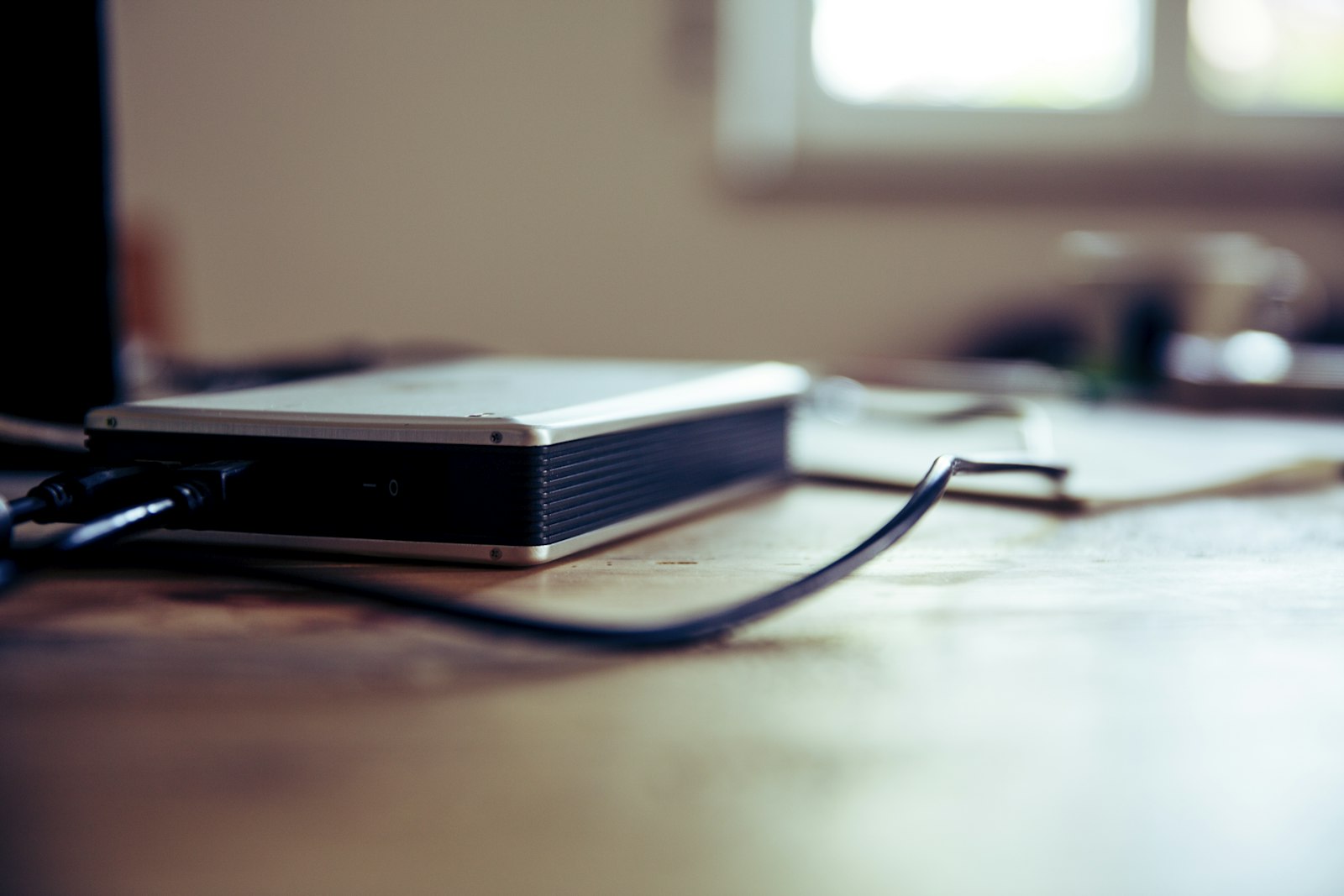
A 500 GB external drive (around $30–40 in 2026) covers the maximalist version twice over. A 128 GB drive covers the sensible version.
What to Grab First on a Slow Connection
Say you have a rural DSL line or a capped hotspot and this download has to happen in stages. This is the order:
1. Wikipedia medicine maxi (2.1 GB). Highest stakes, best ratio of value to size on the entire list.
2. zimgit-water (20 MB), zimgit-knots (27 MB), zimgit-medicine (67 MB), zimgit-food-preparation (93 MB). Four files, 207 MB combined, done in minutes even on bad internet.
3. zimgit-post-disaster (615 MB). The disaster-recovery core.
4. Appropedia (555 MB). Improvised-technology reference.
5. iFixit (3.3 GB). Every repair guide. Start it overnight.
6. Wiktionary nopic (8.5 GB). Only after the shelves above are full.
7. Wikipedia all nopic (49 GB). The full encyclopedia, images stripped. Several nights on a slow line; worth it.
8. Gutenberg, either individual EPUBs or the full 206 GB ZIM, last.
Steps 1 through 5 total about 7.5 GB. That is a weekend on a mediocre connection, and it covers medicine, repairs, water, food, and disaster recovery. That is a working offline library.
Why Not Just “Download the Whole Internet”
Because mirroring everything is how the project dies. A 4 TB drive of undifferentiated files is a hoard, not a library — nobody can find anything, half of it is in languages you don’t read, and the download takes long enough that you quit at 60% and never finish the medical shelf. Curation is the feature. Ten packs you have searched and used beat ten thousand you haven’t.
There is also a maintenance angle: ZIM files are refreshed periodically (the mirror shows new builds every few months), and a curated shelf can be updated in an evening. A hoard cannot.
Serving It to More Than One Screen
Everything above lives on one server, but the point of NOMAD is that any device with a browser on your network can reach it. Extend that one hop further and the same library becomes neighborhood infrastructure: a cheap mesh node on a roof, and the house two doors down can pull the medical shelf off your Mac mini while the wider internet is down. We covered the build in our community mesh networks guide. Your library is the content that makes the mesh worth joining.
One warning worth bold print: do not let “perfect” be the requirement for “started.” A medicine pack and a 20 MB water file is a real library. Download it this weekend; add shelves as time and bandwidth allow.
Why This Matters
The NOMAD pillar article asked what happens to your knowledge when the internet goes dark, and answered it with hardware: a Mac mini, a Docker stack, forty minutes. This follow-up is the same question with the other half of the answer — the content itself. The server is just the shelf. The library is the point, and a curated 16 GB library beats an imaginary 4 TB one every single time, because the 16 GB one exists.
Sources
1. Kiwix Wikipedia ZIM downloads (file sizes verified October 2026): https://download.kiwix.org/zim/wikipedia/
2. Kiwix Wiktionary ZIM downloads: https://download.kiwix.org/zim/wiktionary/
3. Kiwix iFixit ZIM downloads: https://download.kiwix.org/zim/ifixit/
4. Kiwix Project Gutenberg ZIM downloads: https://download.kiwix.org/zim/gutenberg/
5. Kiwix other collections (Appropedia, zimgit packs): https://download.kiwix.org/zim/other/
6. Project Gutenberg (free ebook count): https://www.gutenberg.org/
7. Kiwix library catalog: https://library.kiwix.org/
8. Kiwix project site: https://www.kiwix.org/en/
9. Project N.O.M.A.D. (upstream project): https://github.com/Crosstalk-Solutions/project-nomad
10. Project N.O.M.A.D. macOS port: https://github.com/aaronbailey/project-nomad-macos
11. Living Method — Project N.O.M.A.D. on Mac mini M4 (pillar): https://livingmethod.com/project-nomad-mac-mini-offline-knowledge-server/
12. Living Method — Community Mesh Networks guide: https://livingmethod.com/community-mesh-networks-your-guide-to-a-local-comms-grid-when-the-internet-goes-down/
Related reading
Who Should Actually Run a Local LLM in 2026 — and Who Should Keep Paying $20
The answer depends entirely on which of six readers you are. For most of them, the answer is no.
You Can Run AI Without the Cloud. Here’s What That Gets You — and What It Doesn’t.
Training-data lawsuits, preserved chat logs, models retired on two weeks' notice. There's a reasonable question underneath all of it: can you use this technology without …
Self-Host Your Passwords with Vaultwarden: Every Premium Feature, Zero Subscription
Bitwarden doubled Premium to $19.80 a year and 1Password jumped 33% — while your vault still lives in someone else's building. Vaultwarden runs the whole …