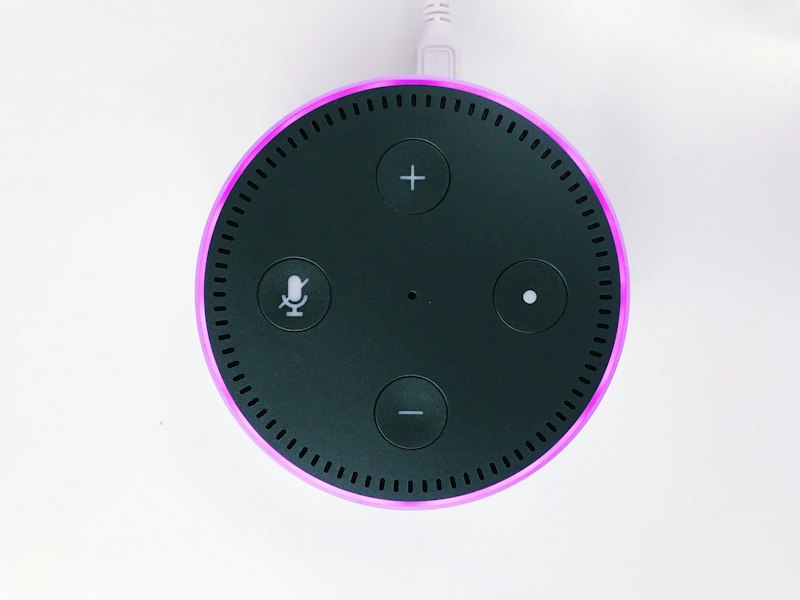
There is an Echo Dot in a drawer in your house right now. Maybe two. Amazon sold these things by the tens of millions, and they aged out of the lineup the way gadgets do: the newer sphere-shaped model showed up, the old puck got boxed, and the cloud service it depends on kept right on being a cloud service.
A working secondhand Dot 2 or Dot 3 typically sells for single-digit to low-teens dollars. For less than the cost of lunch, you can turn that drawer paperweight into a voice assistant that answers to a server in your own house, sends nothing to Amazon, and keeps working when the internet does not.
That is the pitch. The catch is that getting there is a real jailbreak, with a real brick risk, and the tooling is young. This guide covers which models work, what the process actually does to the device, and how to pick the path that matches your tolerance for fiddling.
Which Echos Qualify
Not all of them, and the dividing line matters more than any other fact in this piece. As of November 2026, the working combinations look like this:
| Device | Status | How |
|---|---|---|
| Echo Dot 2nd gen (2016) | ✅ Best choice | USB unlock, one command |
| Echo 2nd gen (2017) | ✅ Works | USB unlock, one command |
| Echo Dot 3rd gen (2018) | ✅ Works | USB unlock, one command |
| Echo Show 5 (1st/2nd gen) | 🟡 Possible | USB unlock, more steps |
| Echo Show 8 (1st gen) | 🟡 Possible | USB unlock, more steps |
| Echo Show 8 (2nd gen) | 🟡 Newest, least proven | Serial-port unlock, one documented success |
| Echo Input (2018) | 🟡 Possible | USB unlock |
| Echo Dot 4/5, Echo 4, Spot, Show 10/15/21 | ❌ No | Nothing verified exists |
Three traps to know before you shop. First, the Dot 3 has a lookalike variant: the 2019–2020 revision and the Dot 3 with a clock are different hardware and are not supported, so check the model code before buying. Second, the Show 8 2nd gen was long described as un-jailbreakable; a separate serial-port exploit now exists, but it has been documented on exactly one device by a project that labels its own work unaudited. Treat it as experimental. Third, if your plan is “buy a new Echo and convert it,” buy used. The newer models that fill store shelves today are the ones with no unlock at all.
What You’re Actually Doing to the Device
Strip away the project names and every conversion path in this article boils down to the same four moves: a MediaTek bootrom exploit opens the door, the bootloader gets unlocked, a custom recovery (TWRP) is installed, and then new software takes over the speaker. Some projects keep a rooted version of Amazon’s Fire OS; others replace so much of it that nothing Amazon-shaped remains.
One warning that deserves bold print: the unlock erases the Echo, and a bad step can soft-brick it. Every project’s documentation says this in plain text, and you should believe all of them. The same tooling that unlocks the device also gives you a full backup-and-restore path and a return-to-stock button, which is why the process is survivable for a careful beginner. Skip the backup and it is not.
There is also a timing rule almost nobody mentions until it bites them. Do not connect a stock Echo to Wi-Fi before unlocking it. Amazon can push a firmware update that closes the exploit window, and a Dot that updated last week may be a Dot you cannot unlock this week. Keep it offline until the jailbreak is done.
The Easy Path: One Command
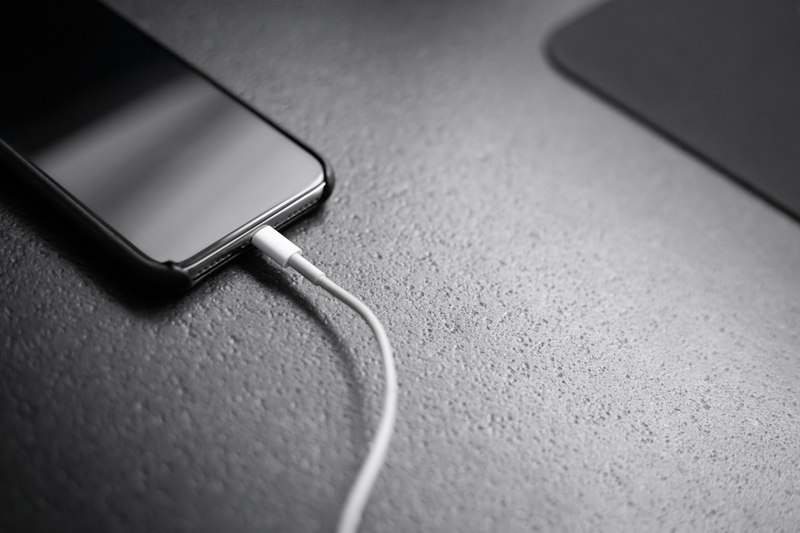
The newest tool in this space is also the easiest, and it gets top billing here precisely because it is boring. Firebreak, released in early November 2026 and already at v1.4.0, wraps the whole unlock chain for the Echo Dot 2nd gen, Echo 2nd gen, and Echo Dot 3rd gen into a single command:
uvx firebreak@latest unlockThat is the whole thing. Firebreak discovers what state your Echo is in and moves it toward an unlocked one, resuming where it left off if interrupted. The prerequisites are short: a computer running macOS, Linux, or Windows; the Android platform-tools (adb and fastboot); the `uv` Python runner; and a micro-USB data cable. Not a charge-only cable. Cable failures are the classic way this goes wrong, and firebreak even ships a `write-test` command that tells a failing cable from a dying storage chip.
Before you run anything, run the backup. Firebreak’s `backup` command copies every partition on the device, both partition tables, and the boot areas, and verifies the copy byte for byte. Store it somewhere safe. Then unlock, and when you are done, the Echo sits in a rooted state with TWRP recovery installed, ready for whichever assistant stack you pick next.
And if you hate the whole idea afterward, `firebreak stock` returns the Dot to Amazon’s Fire OS and relocks the bootloader. It erases the device in the process, which is exactly why the backup exists.
Choosing Your Assistant Stack
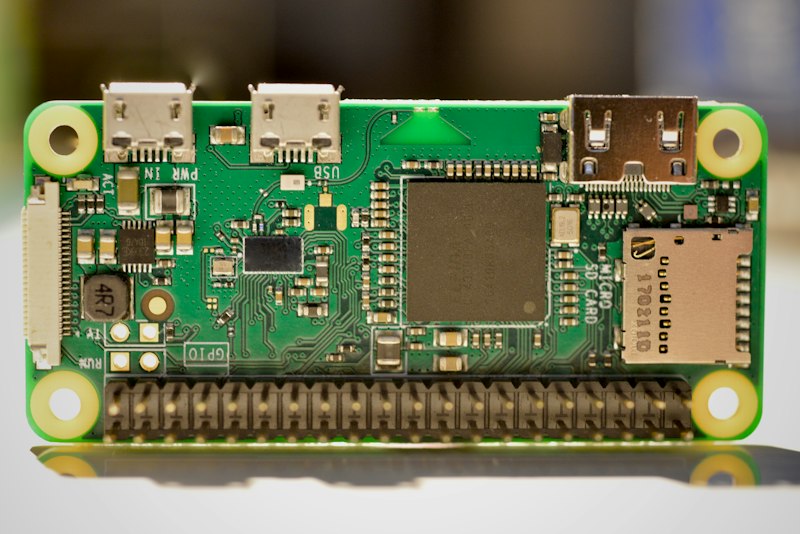
The unlock gives you a rooted Echo. Turning it back into a speaker you can talk to takes a second piece of software, and there are two serious options. Both are free, both are open source (MIT), and both are young enough that you should read their known-issues lists before committing.
EchoMuse is the cleaner end state. It replaces Amazon’s software with its own Linux userspace, runs the wake word on the Dot itself so nothing is transmitted until it hears you, and removes the Amazon account, the skills store, shopping, and Drop In entirely. Timers, announcements, multi-room music through Music Assistant, and per-Dot Bluetooth proxy are all in.
The trade-offs: it supports only the Dot 2 and Echo 2 for now (Dot 3 is planned, with no date), it needs an always-on controller such as a Home Assistant add-on or a small Docker host, and one setup pass through a browser wizard. It also discloses, on its own README, that more than half its commits were AI-assisted. That is not a disqualifier; it is a maturity signal, and it applies to both projects here.
echo-dot-assist keeps Amazon’s microphone front end and wake-word engine and swaps the Alexa client for a small local daemon. It covers more hardware, including the Echo Shows, and it labels itself in its own header: “vibecoded, unaudited, your risk,” tested on one unit of each model. The unlock itself is done by hand from the maintainer’s published write-up (the author asks that it never be scripted), and the unlock step needs a real Linux machine, though a live USB stick counts. In exchange you get the widest device support and a default mode where your Home Assistant simply sees the Echo as an ordinary ESPHome device.
One plumbing sentence, because every tutorial drowns in it: your converted Dot becomes a “voice satellite,” a room microphone-and-speaker that hands what you say to your Home Assistant server, which answers back through the same speaker. Whether it connects as an ESPHome device or over the Wyoming protocol mostly decides which integration panel it appears in. The experience is the same: wake word, question, answer, all on your network. If your Home Assistant setup already runs local — and if you have read this site’s guide to a local-first Home Assistant that survives internet outages, it should — the Echo slots in as one more local device.
What Daily Life Looks Like After
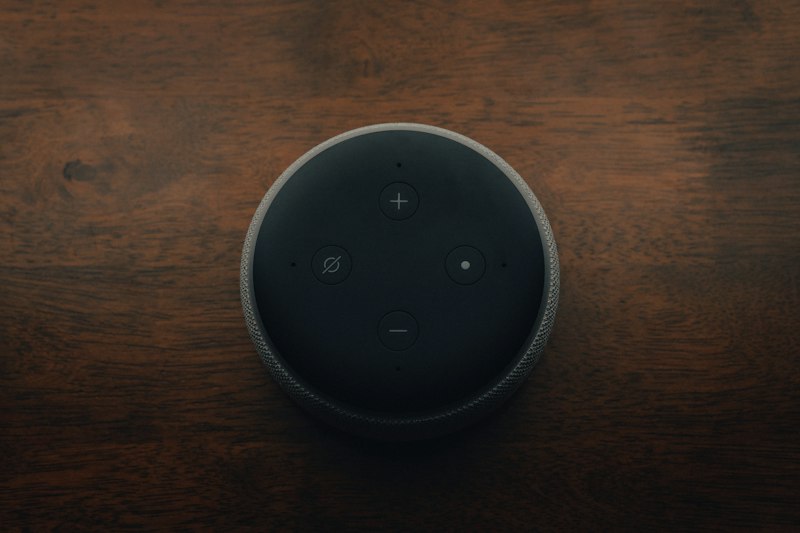
In use, the converted Dot feels like the appliance it always was. You say the wake word, ask for a timer or the weather or a radio station, and the ring light answers. Music routes through Music Assistant, so your own library or streams play multi-room without a subscription. The speaker on the older Dots gets louder than stock, too: the projects document volume gains of up to 12 dB on the older models.
What you lose is the Amazon ecosystem, and you should count the cost before starting. No Alexa skills, no voice shopping, no calling or Drop In, no “by the way” suggestions. Everything the assistant can do is bounded by what your own Home Assistant can do, which means the Assist pipeline — speech-to-text, conversation agent, text-to-speech — needs to be working before the Echo is useful. One more caveat: the older Fire OS builds do not support WPA3, so if your Wi-Fi runs WPA3-only mode, plan a WPA2 network for the speaker.
If Something Goes Wrong
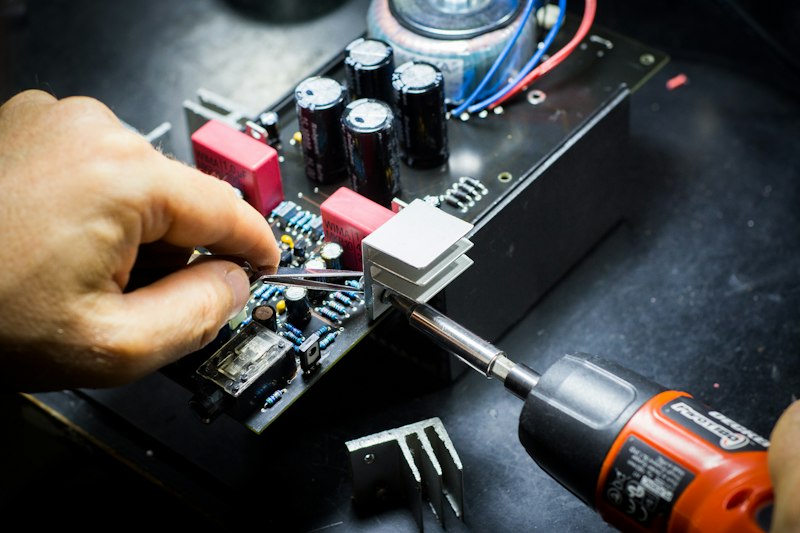
The recovery story is better than you might expect from a jailbreak, provided you did the one thing this article keeps nagging about. With a firebreak backup in hand, `restore` rebuilds the device’s partitions and checks each one against the backup before writing. TWRP persists on the device as a safety net. If a Dot 2 goes completely dark, documented test points let you short the right pin to force it back into its bootrom for recovery. And the universal undo, `stock`, hands the device back to Amazon’s software entirely.
A used Dot is not precious hardware. Your time and your data are the things worth protecting, and the backup step is where that protection lives.
Is This Legal?
In the United States, yes, with a precise definition of “yes.” The Librarian of Congress’s 2024 rulemaking (89 FR 85437, codified at 37 CFR 201.40(b)(11)) exempts jailbreaking voice-assistant devices from the DMCA’s anti-circumvention prohibition when the purpose is interoperability or removing software from a device you own. Echo devices fit the rule’s definition squarely.
What the exemption does not touch: Amazon’s terms of service, warranty terms, or any other law. It is also on a triennial renewal cycle, so it is worth re-checking at the next rulemaking rather than assuming permanence. And none of this is legal advice; if your situation is unusual, a lawyer beats a blog post.
Why This Matters
Every smart speaker Amazon ever sold is a microphone in your house whose brain lives in someone else’s data center. That arrangement works until it does not: until the outage, the subscription change, the deprecated model, the policy update. A converted Dot is the same hardware pointed at a different master — a box in your house that answers to you, works when the internet does not, and sends nothing anywhere.
If you have been following this site’s self-hosting series, the pattern will feel familiar. Vaultwarden took your passwords back. Pi-hole took your network’s ad traffic back. A jailbroken Echo takes the microphone back, for the price of a used puck and an evening of careful work — less, if the cable cooperates.
And if the drawer Dot is a newer sphere model, do not force it. The same instinct applies there as with the smart TV sitting in your living room: work with hardware that can be opened, and let the locked stuff stay in the drawer.
Related reading
The $30 Radio That Texts Your Neighbors Without Cell Service or Internet
A $30 LoRa board and a free app let your street text through a multi-day outage — no towers, no internet, no license. Real prices, …

Own Your Spotify: Self-Hosted Music Streaming with Kima
Spotify costs $12.99/mo and deleted 75M+ tracks in 2026. Kima adds Spotify-style discovery to music you own. Full stack, cost math, and who shouldn't switch.

The Best Downloadable AI Models of 2026, Matched to the Machine You Already Own
Jensen Huang quit Nvidia and the Hugging Face deal wobbled. Your model picks are safe: the best open-weight AI for 8GB to 128GB machines, licenses …