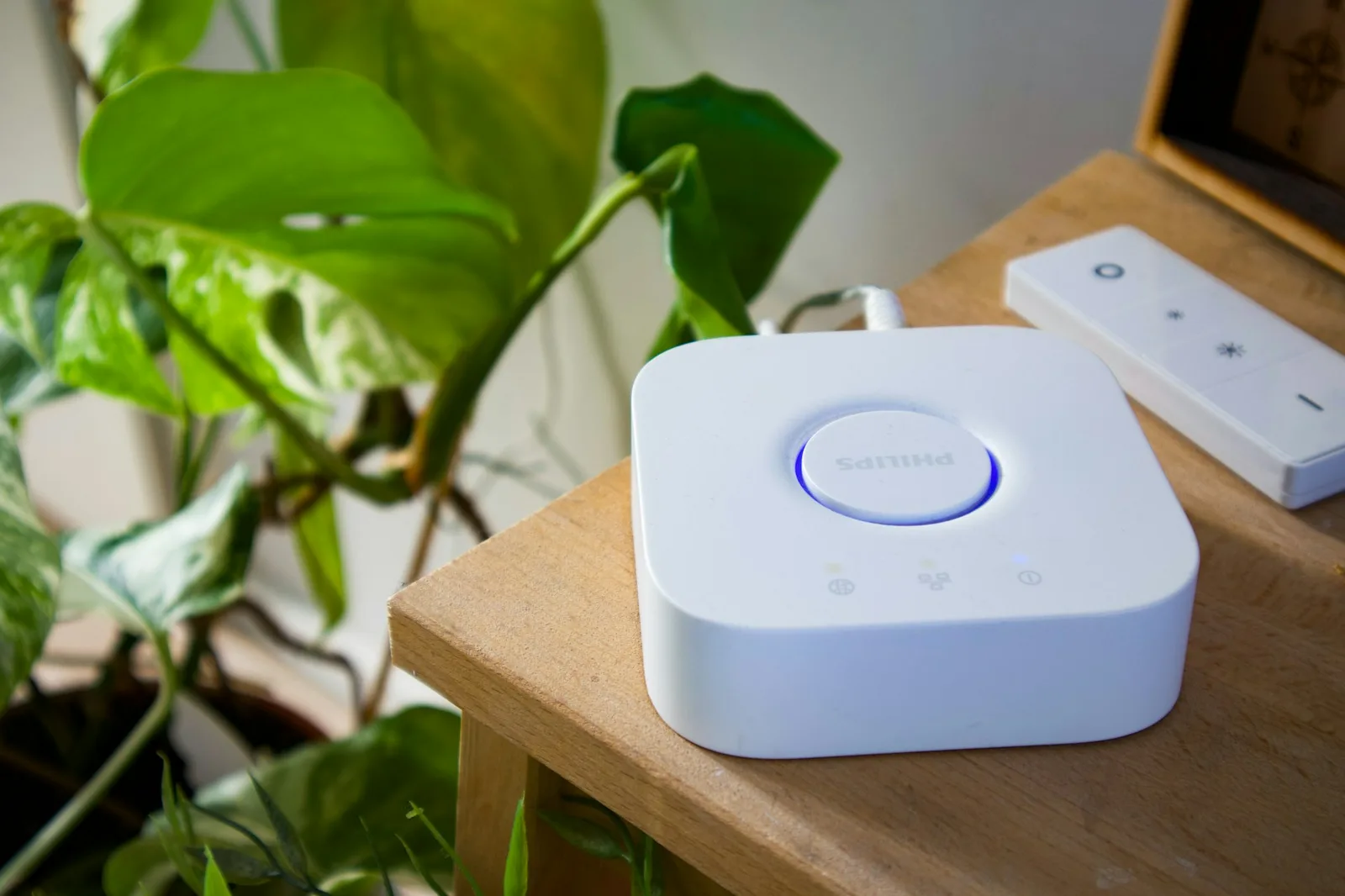
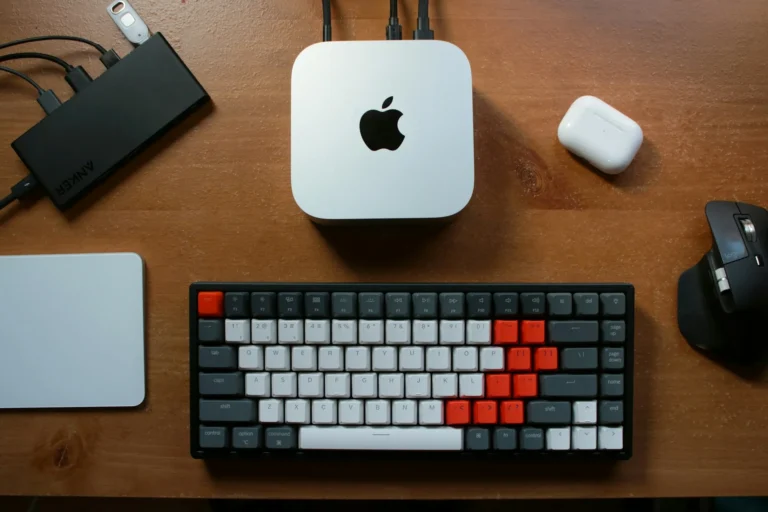
A local hub quietly running the whole house. Photo by User_Pascal on Unsplash.
On October 20, 2025, Amazon’s AWS cloud had a very bad Monday. A failure in an internal subsystem that monitors network load balancers at its Northern Virginia data center cascaded into one of the largest internet outages in recent memory.[1][2] Snapchat went down. Fortnite went down. And in millions of homes, something stranger happened: the lights stopped listening.
Ring doorbells went silent. Alexa answered nothing. Smart locks, cameras, and thermostats sat unresponsive while their owners rebooted routers that were working perfectly fine. The problem was not in anyone’s house. It was hundreds of miles away, in a data center none of these people had ever agreed to depend on.
Some households didn’t notice the outage at all. Their lights still turned on at dusk. Their automations still fired. Their cameras kept recording. The difference was not luck. It was architecture.
This article is about that architecture: a local-first smart home built on Home Assistant, designed so your house keeps working when the internet doesn’t. If you read our June beginner’s guide to Home Assistant, think of this as the companion piece. Less “how do I start,” more “how do I make sure it never stops.”
The Cloud Is a Single Point of Failure
Most smart home gear is built on a three-legged stool: your device, your phone, and a vendor’s server sitting in between. Press a button in the app and the signal does not go to the bulb on your ceiling. It travels to a data center, gets authenticated, and comes back down to your house. Every command, every sensor reading, every “is anyone home right now” pattern passes through someone else’s computer.
That design has three failure modes, and the AWS outage only demonstrated the first:
1. The vendor’s cloud goes down. When the us-east-1 region stumbled, a large share of the consumer internet stumbled with it, including the backends behind Alexa and Ring.[1][2]
2. The vendor changes the deal. Features move behind subscriptions. APIs get closed. Products get discontinued with a polite email and a cutoff date. If the service is the product, you own nothing.
3. Your internet goes down. A cut fiber line or an ISP outage bricks every cloud-dependent device you own, even though your local network is perfectly healthy.
A local-first setup inverts all three. Commands travel from your phone to a hub inside your house and straight to the device. The internet becomes optional: useful for remote access and updates, irrelevant to whether your porch light turns on at dusk.
What Local-First Means in Practice
The core move is choosing radios that were designed to work without a cloud.
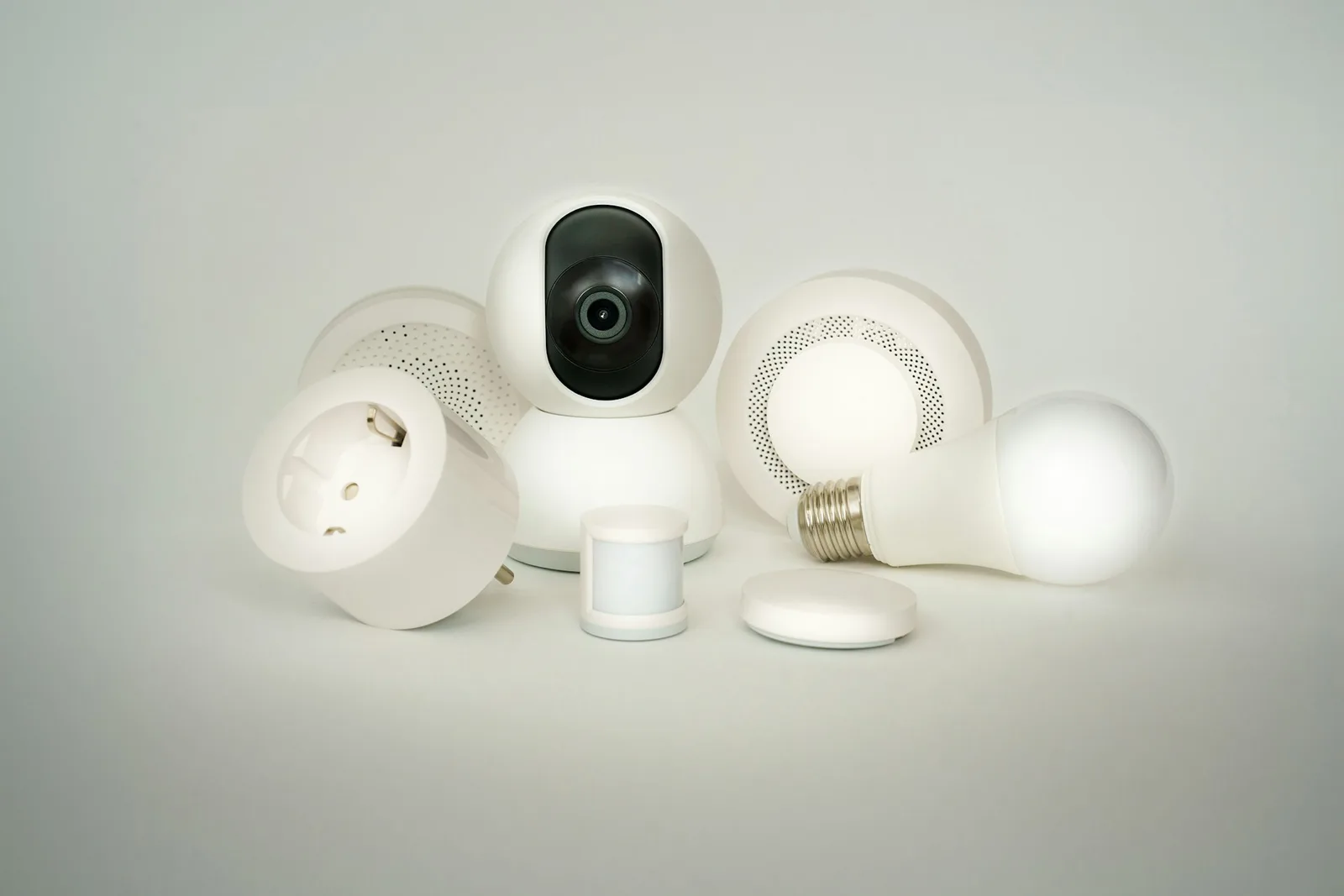
Zigbee and Z-Wave are mesh protocols built for exactly this. Devices pair directly to a hub, or to a small USB radio stick plugged into one, and talk to each other over your own private radio network. No internet involved, ever. Sensors, switches, plugs, and bulbs on Zigbee or Z-Wave will run for years with the WAN cable unplugged.[6]
Matter over Thread is the newer entrant. Matter is an open standard backed by the major platform vendors, and it was designed for local control first. A Matter device on a Thread mesh answers commands on your local network whether or not the wider internet exists.[7]
Wi-Fi devices are the wildcard. Some Wi-Fi gear supports local control. Much of it, especially cheap cloud-brand bulbs and plugs, is a thin shell around a vendor app and dies without its server. Here is the rule of thumb: if the setup process forced you to create an account before you could pair the device, assume it needs the internet to function.
The Hardware: One Afternoon, About $100
You do not need a server rack. You need a small, always-on box.
The simplest path is the Home Assistant Green, the official plug-and-play hub: quad-core processor, 4 GB of RAM, 32 GB of storage, Home Assistant OS preinstalled, no subscription, around $99 at retail.[4] Plug it into your router with Ethernet, open a browser, and you are most of the way there.
The alternatives work fine too. A Raspberry Pi 5 does the job for roughly the same money once you add a case, power supply, and storage. A used mini PC from the office-surplus market costs a bit more but gives you headroom for cameras and voice later. I run my own instance on a small fanless box in the utility closet, and it draws less power than the LED strip in my pantry.
You will be in good company. As of this week, over 525,000 installations report in to Home Assistant’s opt-in analytics, and that only counts the people who chose to share stats. The real installed base is certainly larger.[3][8]
What This Costs, Honestly
Budget builds are realistic here. A Green or a Pi kit runs about $100. A Zigbee USB stick adds $25 to $40. A handful of sensors and smart plugs costs less than a single cloud-brand doorbell with its first year of subscription. Call it $200 to $250 for a starter system covering lighting control, a few door and motion sensors, and energy monitoring on a couple of circuits.
Compare that with the alternative. Cloud ecosystems look cheaper per device until you add the subscriptions: video history, advanced alerts, and “premium” features that used to be free. Two or three subscriptions at $5 to $10 a month quietly become $200 a year, every year, for hardware you already bought. The local-first build costs more thought up front and less money over time. There is no monthly bill for your own equipment.
A Setup That Survives the Outage
Once the box is running, resilience comes down to six decisions.
1. Install Home Assistant OS and wire it in. Use Ethernet, not Wi-Fi, for the hub itself. The installer walks you through it, and the official docs cover every supported board.[5]
2. Put the radios on the hub, not in the cloud. Add a Zigbee USB stick (or a combined Zigbee/Thread radio) and pair your devices through ZHA, Home Assistant’s built-in Zigbee integration.[6] From this point on, those devices answer to your hub alone.
3. Prefer local integrations. When you add anything new, check how it talks. Home Assistant labels integrations by whether they work locally or depend on a cloud. Choose local every time you have the option.
4. Let automations run on the box. Motion triggers, schedules, thermostat logic: all of it executes on your hub. If the internet drops at 2 a.m., your 2 a.m. automation does not care.
5. Back up to something you control. Home Assistant has built-in backups. Point them at local storage or a NAS, and keep a copy off the hub. A resilient system with no backup is one bad SD card away from a rebuild.
6. Give the network a battery. A small UPS (the size of a hardback book) keeps your hub, modem, and router alive through short power blips. During a grid event, your smart home stays smart for as long as the battery holds, and shuts down cleanly when it doesn’t.

What Still Breaks, and How to Plan Around It
Local-first is not magic. A few things legitimately need the internet, and it is better to plan for them than to be surprised.
Remote access while away from home. Inside your house, everything works offline. Checking your cameras from a hotel does not. The easy fix is Home Assistant Cloud from Nabu Casa, the company employing much of the core team: a few dollars a month, end-to-end encrypted, and it funds development of the free software you are running.[8] The free fix is a VPN back into your home network, which works well but asks more of you.
Cloud voice assistants. Alexa and Google voice control die with their clouds. Local voice options in Home Assistant have matured a lot in the last two years, but expect tinkering. If voice matters to you during outages, budget the time.
Firmware updates and time sync. Devices and the hub itself need the internet occasionally for updates and clock sync. Schedule updates for quiet weekends, not the night before a storm.
Cameras. Cloud doorbells are the single worst offender in an outage. Local-recording cameras that write to an SD card or a network recorder keep working no matter what happens upstream.
Pitfalls That Quietly Reintroduce the Cloud
The most common way local-first setups fail is drift. You build a clean local system, then buy one cheap Wi-Fi bulb that needs an account, then a cloud doorbell, then a subscription vacuum. Two years later you are back where you started, one AWS outage away from a dumb house. Buy against a checklist: Zigbee, Z-Wave, Thread, or a confirmed local API. No checklist, no purchase.
The second failure mode is never testing. Once everything is running, do the thing that feels wrong: walk to your router and pull the WAN cable. Watch what keeps working. That ten-minute drill tells you more about your resilience than any spec sheet, and it is a lot better to find gaps on a calm Sunday than during an actual outage.
Wrap-Up: Why This Matters
The October 2025 outage lasted hours, not days, and it still left millions of people locked out of their own doorbells. The trend lines all point the same direction: more extreme weather straining grids, more household functions routed through distant servers, more of daily life rented instead of owned.
You cannot control Amazon’s uptime. You can control whether your house needs it. A $100 box, a few local radios, and one afternoon of setup buys you a home that answers to you first, and to a data center never. That is the Living Method definition of resilience: systems you own, working for you, especially on the bad days.

Sources
- Why Your Smart Home Went Dumb Last Night: How the AWS Outage Broke the Internet of Things — How-To Geek
- What Caused the Massive AWS Outage in 2025? — Built In
- Home Assistant Analytics (installation counts pulled live, August 2026)
- Home Assistant Green — official product page
- Home Assistant Installation Guide
- ZHA (Zigbee Home Automation) integration — Home Assistant
- Matter integration — Home Assistant
- Home Assistant Cloud by Nabu Casa
Related reading
 Tech & Digital Resilience
Pi-hole in a Weekend: Network-Wide Ad Blocking for Every Device You Own
Your smart TV is phoning home to ad servers, your phone apps are reporting to analytics endpoints — and neither can run an ad blocker. A Pi-hole fixes that at the network level for every device you own, in one evening, for less than a takeaway dinner.
 Tech & Digital Resilience
Self-Host Your Passwords with Vaultwarden: Every Premium Feature, Zero Subscription
Bitwarden doubled Premium to $19.80 a year and 1Password jumped 33% — while your vault still lives in someone else’s building. Vaultwarden runs the whole Bitwarden ecosystem on hardware you own: every premium feature, zero subscription.
 Tech & Digital Resilience
You Can Run AI Without the Cloud. Here’s What That Gets You — and What It Doesn’t.
Training-data lawsuits, preserved chat logs, models retired on two weeks’ notice. There’s a reasonable question underneath all of it: can you use this technology without feeding the machine? Yes. Here’s the honest version.
Related reading

What to Download Before the Internet Goes Down: Building Your Offline Library
A curated download plan for your offline knowledge server: which Wikipedia packs, repair guides, and free libraries to grab first, with real file sizes and.
Who Should Actually Run a Local LLM in 2026 — and Who Should Keep Paying $20
The answer depends entirely on which of six readers you are. For most of them, the answer is no.
You Can Run AI Without the Cloud. Here’s What That Gets You — and What It Doesn’t.
Training-data lawsuits, preserved chat logs, models retired on two weeks' notice. There's a reasonable question underneath all of it: can you use this technology without …