
When the internet goes down for a week, the answer to almost any question you can think of sits on servers you can’t reach. The entire English Wikipedia fits in one file small enough to carry on your phone, and this guide walks you through building that library, from a 166 MB starter shelf to a full-fidelity household archive.
One File Is the Whole Encyclopedia
A ZIM file is a compressed snapshot of a body of knowledge. One file holds the articles, the images (if you choose that flavor), and the full-text search index, which is why a 119-gigabyte archive still searches in milliseconds on a device with no connection at all. Kiwix has been building and serving these files since 2006, the software is free under GPL-3.0, and the current catalog runs to 3,656 entries: Wikipedia and its sister projects, iFixit repair guides, Stack Exchange, TED talks, Project Gutenberg, and more.
This is the lighter companion to two other builds on this site. If you’re weighing the always-on server path, with a local AI assistant and automatic updates, read Kiwix vs. Project NOMAD: Which Offline Library Setup Fits Your Drive and Your Use Case first; that decision comes before this one. If you already know you want the lighter path, the library in your pocket, this is your build guide. And if you want the library to answer questions rather than find articles, that’s the NOMAD route; see the full server build on a Mac mini for what that looks like measured, in watts and seconds.
Pick Your Build: Mini, Nopic, or Maxi
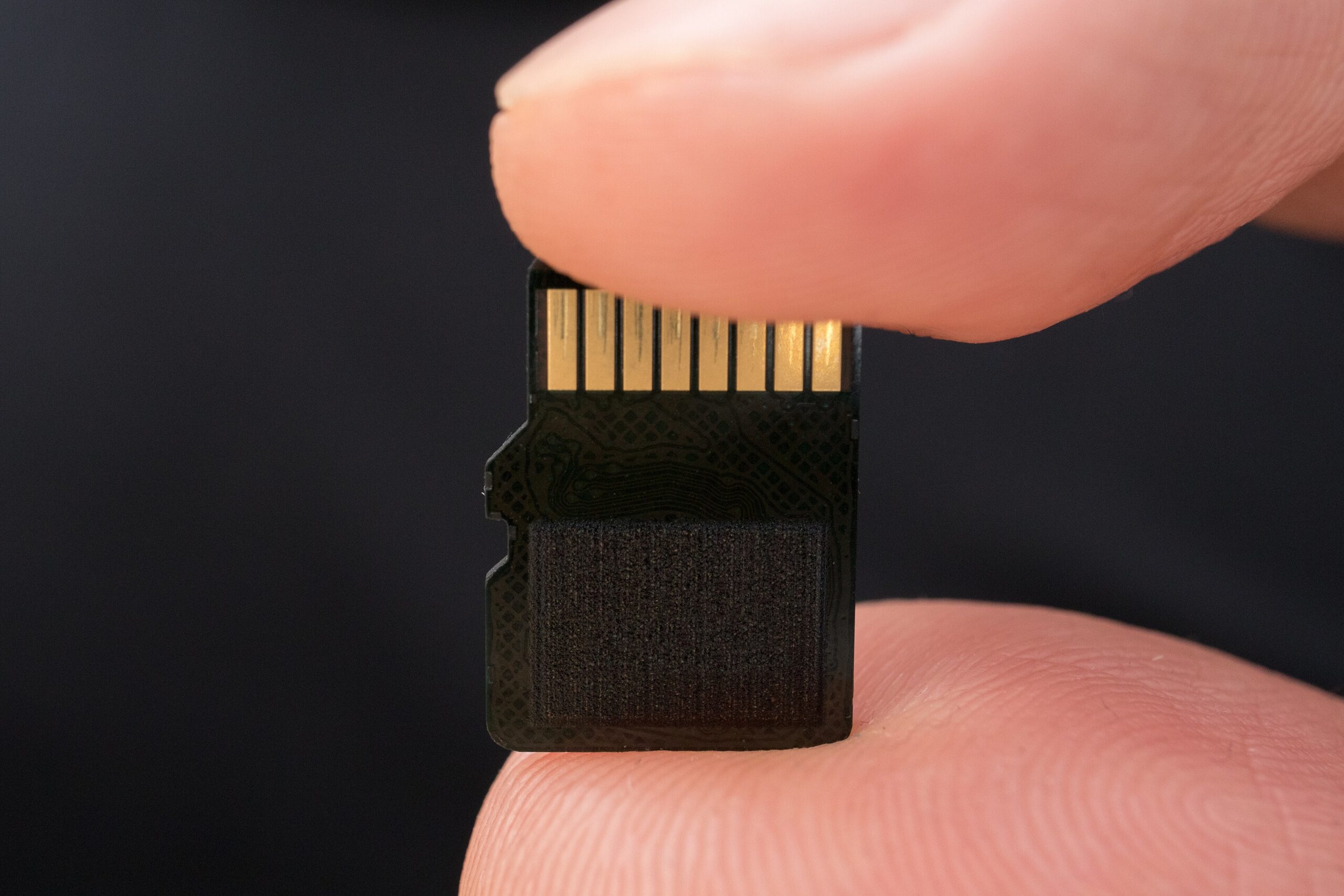
Every English Wikipedia build comes in three flavors. Mini is text only, stripped to the essentials. Nopic is the full text with no images. Maxi is the full text with images, the closest thing to the live site. The topical builds (medicine, chemistry, history, geography, mathematics) follow the same pattern.
Here is what the mirror carries as of November 1, 2026. Every size carries its build date, because sizes shift between builds:
| Build | Size | Build date |
|---|---|---|
| Wikipedia maxi (text + images) | 118.7 GiB | 2026-08 |
| Wikipedia nopic (full text, no images) | 49.1 GiB | 2026-06 |
| Wikipedia mini (stripped text) | 13.4 GiB | 2026-09 |
| Medicine maxi | 1.7 GiB | 2026-10 |
| Medicine mini | 166 MB | 2026-10 |
| Wiktionary nopic | 8.5 GiB | 2026-08 |
| Wikivoyage maxi | 1.0 GiB | 2026-09 |
Two things to notice. First, the floor is absurdly low: the medicine mini build at 166 MB (2026-10 build) is a complete medical reference smaller than two episodes of a podcast. If you do nothing else after reading this, put that file on your phone tonight. Second, the decision that actually matters is fidelity tier times drive size, which is the next section’s question.
For the broader “what to download first” plan (repair guides, ebook shelves, the full content-pack curation), the offline content packs guide has you covered. This article stays on the encyclopedia and its closest companions.
Install the Reader on Whatever You Own
Kiwix runs on nearly everything. Version numbers below are current as of November 1, 2026.
Windows 10 or later. Download the portable zip from the Kiwix mirror (kiwix-desktop_windows_x64.zip in the kiwix-desktop release folder). There is no installer in the current 2.5.x line; you unzip it and run it. That portability is a feature: the whole app travels on the same drive as your ZIMs.
macOS. Grab kiwix-macos.dmg from the mirror’s kiwix-macos folder; it redirects to the current 3.9.0 release. Open the disk image and drag the app to Applications.
Linux. The desktop reader (2.5.1) ships as an AppImage and as a Flatpak (org.kiwix.desktop on Flathub). Either works; the Flatpak updates through your normal package flow.
Android. The app (3.14.1) is on the Play Store under developer “Kiwix Team,” or you can sideload the standalone APK directly from the mirror’s kiwix-android folder; the direct route exists because Play availability varies by region. One thing to know: Kiwix is not on F-Droid as of this writing, so don’t wait for it there; grab the APK. The app can keep its library on external SD storage, which is what makes a 512 GB microSD card a legitimate full-fidelity library.
iPhone and iPad. The native Kiwix app (App Store id 997079563) handles large ZIMs. Plan to manage files through the Files app and budget local storage that stays off iCloud. For a secondary device, Kiwix JS (the browser extension and progressive web app, version 4.4.0) is the no-install fallback.
Old or odd hardware. The kiwix-tools static binaries (3.8.2) cover macOS on Intel and Apple Silicon, Linux on amd64 and arm64, and Windows on x86. If a machine can boot, it can probably serve or read a ZIM.
One practical warning for every platform: do not download a 13-to-119 GiB file on a phone browser. Download on a laptop or desktop (the mirror supports resume, so wget -c or curl with a continuation flag picks a broken download up where it left off), then copy to the phone over USB or your local network.
Serve the Whole Household (Optional, and Worth It)
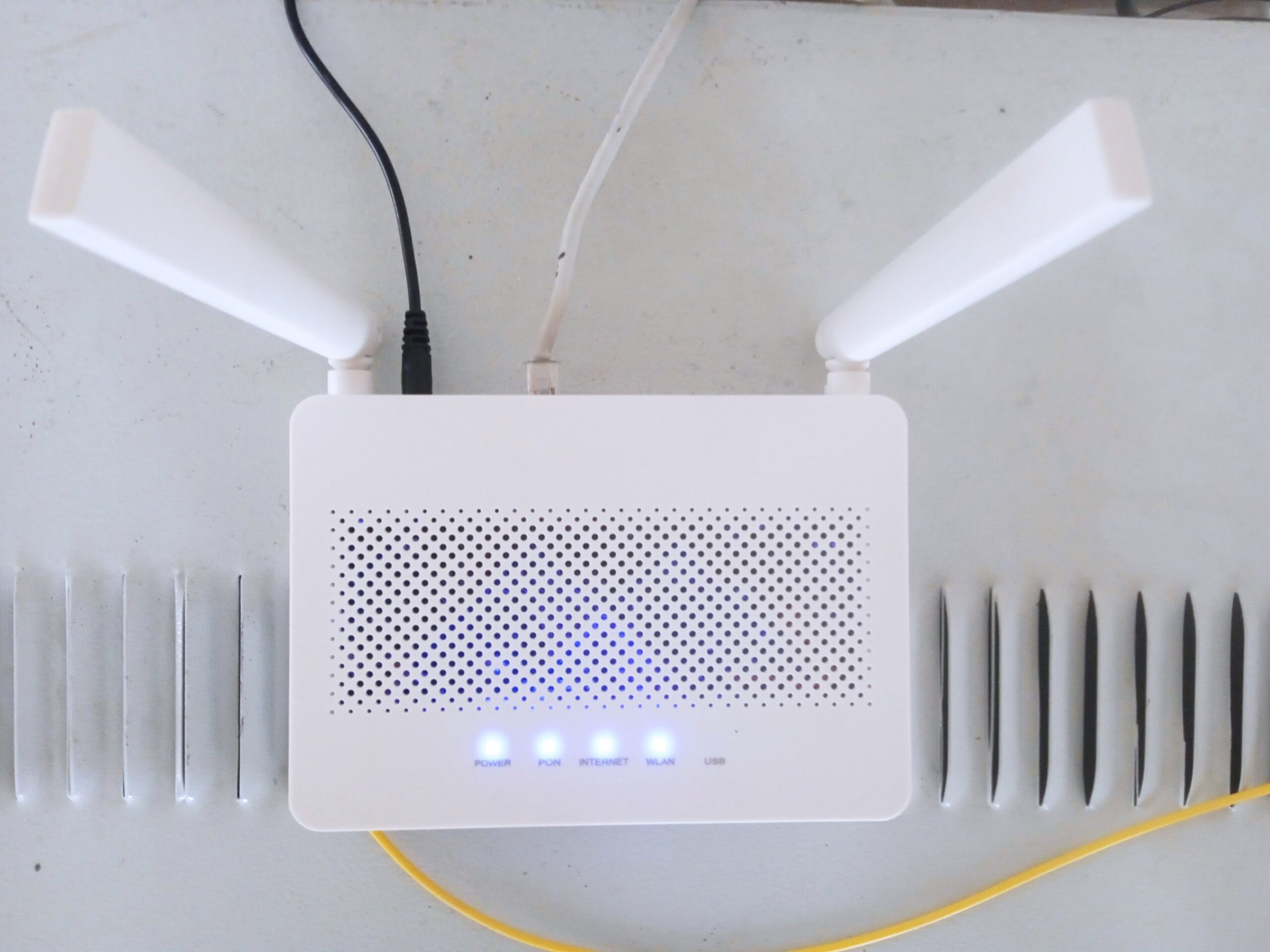
One copy on one drive can serve every browser in the house. The tool is kiwix-serve, the command-line HTTP server from the kiwix-tools package, and the simplest topology looks like this: an old laptop or Raspberry Pi on your home network, one drive full of ZIMs plugged into it, every phone, tablet, and computer pointed at one local address.
The official Docker image lives on GitHub’s container registry, not Docker Hub; many older guides point at Docker Hub, where the official image doesn’t exist. The canonical one-liner, from the kiwix-tools documentation:
docker run -v /tmp/zim:/data -p 8080:8080 ghcr.io/kiwix/kiwix-serve '*.zim'The glob loads every ZIM in the mounted folder, so adding a new pack is just copying a file. The image is multi-arch, down to arm/v7, so a 32-bit Pi 3 works. No Docker? The static kiwix-tools binaries run kiwix-serve bare on the same hardware list as above.
Power draw is Pi-class: a few watts, the same order as a phone charger. There’s no dashboard to manage and nothing to configure beyond the port: one box, one drive, one bookmark on every device. If you’d rather have a managed appliance with a web control panel, that’s the server build linked above; if you’d rather have zero setup at all, Kiwix’s nonprofit sells a prebuilt plug-and-serve box, but a spare laptop you already own costs nothing and does the job.
Storage Planning: Your Drive, Your Tier
Usable capacity runs about 93% of the nominal label once the filesystem takes its share. At the build sizes above, here’s how the tiers land:
| Drive | Usable | Mini stack (mini + Wiktionary + Wikivoyage + medicine maxi, 24.7 GiB) | Core (nopic + medicine maxi + Wikivoyage, 51.8 GiB) | Full fidelity (maxi + medicine maxi + Wikivoyage + Wiktionary, 129.9 GiB) | Maxi + Project Gutenberg (~325 GiB, Gutenberg figure checked October 2026) |
|---|---|---|---|---|---|
| 128 GB card | ~111 GiB | Fits, ~86 GiB free | Fits, little headroom | No | No |
| 256 GB card or SSD | ~222 GiB | Fits | Comfortable | The floor for maxi | No |
| 512 GB SD or SSD | ~443 GiB | Fits | Fits | Fits, with redundancy room | Fits (~118 GiB left for a nopic fast-search copy) |
| 1 TB external SSD | ~866 GiB | Fits | Fits | Fits | The archive shelf |
Three takeaways. 256 GB is the sweet spot for a personal full-fidelity library: the maxi build, the medical shelf, and breathing room. 128 GB forces a choice, the mini or nopic tier, which is a fine choice, not a failed one. And a 1 TB drive in a drawer ends the whole debate, adding the 206 GiB Project Gutenberg shelf with room to spare.
The strategy worth copying: two tiers, two places. Keep the big maxi archive on a drive at home (or on the household server from the last section), and carry a mini or nopic copy (plus the 166 MB medicine mini, 2026-10 build) on your phone’s SD card. The pocket copy is the one you’ll actually have when the question comes up.
Keep It Fresh
Nothing updates a ZIM by itself, and that’s a fair trade for a library with no moving parts: a drive in a drawer works the same on the day you pull it out. The upkeep is a habit, not a chore.
Note the build date inside every filename (the 2026-08 in wikipedia_en_all_maxi_2026-08.zim) when you download, and write it on the drive label or a simple inventory note. Then check the mirror folder every six months or so against your filenames. The observed cadence: maxi builds land roughly twice a year, nopic and mini roughly quarterly, medicine roughly every six months.
Match your refresh rate to what you carry. Full maxi users can re-download twice a year; mini users, quarterly. And weight the schedule by content, not just by tier: medicine and anything time-sensitive age fastest, because staleness there has stakes; the medicine builds exist precisely so clinical guidance doesn’t rot quietly. Pure reference (history, mathematics, knot-tying) degrades slowly.
When a new build lands, replace, don’t patch: download the new ZIM alongside the old one, open it and confirm it works, then delete the old file. The mirror serves resume headers, so a broken 60 GB download restarts where it stopped rather than from zero. Bandwidth is the one real cost of this library, and on a slow connection a resumed download over a few nights beats a failed one every time.
The Go-Bag Copy

The pocket library earns its keep in the bag. The light version: your phone, its SD card, the medicine mini (2026-10 build), and Wikivoyage (1.0 GiB, 2026-09 build), a medical reference and a travel guide in under 1.2 GiB. The serious version: a cheap 256 GB USB stick or SSD cloned from the home drive, dropped in the same bag.
Two copies, in two places, is the whole doctrine. A house fire doesn’t care how good your home archive is, and a lost bag doesn’t care what’s on the shelf. The clone costs one copy operation and a spare drive, and it turns a single point of failure into a shrug.
Why This Matters
An offline library is not a doomsday prop. It’s the reference desk at 2 a.m. when the connection is down, the clinic answer when the network is saturated, the repair manual when you’re two hours from the nearest signal. It fails in exactly one way, quietly going stale, and the six-month check above handles that.
Knowledge you hold is dependency you don’t. And once the library is local, the next question is local everything else: the community mesh network that keeps a street talking when the wider grid goes quiet pairs with this build better than any subscription ever will.
Sources
1. Kiwix — Reader applications (platform install paths): https://get.kiwix.org/en/solutions/applications/kiwix-reader/
2. Kiwix download mirror — Wikipedia ZIM builds: https://download.kiwix.org/zim/wikipedia/
3. Kiwix library catalog (3,656 entries): https://library.kiwix.org
4. Kiwix on the App Store (iOS/iPadOS): https://apps.apple.com/us/app/kiwix/id997079563
5. Kiwix on Google Play (Android): https://play.google.com/store/apps/details?id=org.kiwix.kiwixmobile
6. Kiwix Android APK mirror folder: https://download.kiwix.org/release/kiwix-android/
7. Kiwix JS (browser extension / PWA, release 4.4.0): https://github.com/kiwix/kiwix-js
8. kiwix-tools static binaries (3.8.2): https://download.kiwix.org/release/kiwix-tools/
9. Kiwix — Server application page (kiwix-serve): https://get.kiwix.org/en/solutions/applications/kiwix-server/
10. kiwix-tools repository (official GHCR image location): https://github.com/kiwix/kiwix-tools
11. kiwix-serve command-line and HTTP API reference: https://kiwix-tools.readthedocs.io/en/latest/kiwix-serve.html
12. Internet in a Box: https://internet-in-a-box.org
13. Kolibri (offline courseware): https://learningequality.org/kolibri/
Related reading
The $30 Radio That Texts Your Neighbors Without Cell Service or Internet
A $30 LoRa board and a free app let your street text through a multi-day outage — no towers, no internet, no license. Real prices, …

Own Your Spotify: Self-Hosted Music Streaming with Kima
Spotify costs $12.99/mo and deleted 75M+ tracks in 2026. Kima adds Spotify-style discovery to music you own. Full stack, cost math, and who shouldn't switch.
Your Old Echo Dot Can Ditch Alexa: Turn It Into a Private Voice Assistant
Old Echo Dot in a drawer? A one-command jailbreak turns it into a private Home Assistant voice speaker — no Alexa, no cloud. Models, risks, …