By Lee Gable
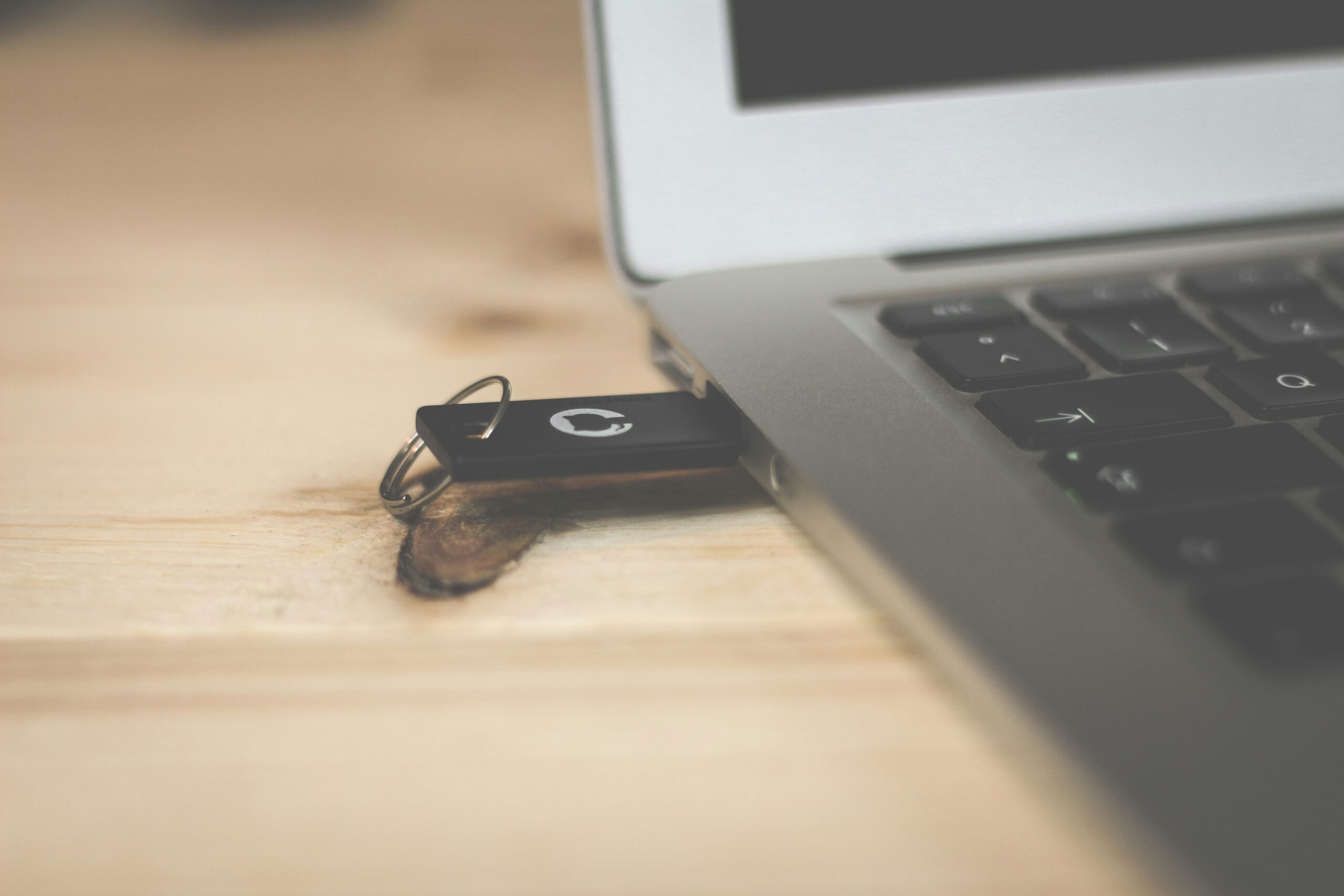
The English Wikipedia with images is one 119-gigabyte file, small enough to carry on a keyring. When power and internet drop together, that pocket drive becomes the library in your go-bag; with a second layer, it becomes the computer too. Two decisions, one evening: how much library, and whether it boots. Here’s the Project NOMAD build.
The Drive That Works When Nothing Else Does
Picture three Tuesdays: a storm takes the power and fiber, and your phone has two bars of nothing. You’re evacuating, and the house, the server, and the desk stay behind. You’re at a relative’s with their laptop, but it’s their laptop.
One drive answers all three. Plugged in, it serves the whole offline library: Wikipedia, medical reference, repair guides, maps, searchable with zero connectivity. Booted on its own, it becomes the computer without touching the host disk. Most people don’t know a drive can do that, and it’s why this article exists.
The shelves are already covered in the offline content packs guide, with real file sizes from the Kiwix mirror. This article covers the container and the boot layer.
The Two-Layer Plan
Two layers, and the separation keeps the build low-risk.
Layer 1 is a plain drive: files, folders, portable apps. It works on any computer that reads USB, including machines you don’t own, no admin rights needed with the portable app builds. Copying files is the entire skill; a Layer 1 drive never becomes useless.
Layer 2 is a bootable Linux live USB with persistence. Same drive, second partition: a full desktop starting from the stick, not the host disk, maps and viewer apps included, library mounted. Nothing installs on the host; the host’s OS never sees your data.
Layer 1 weighs whatever your library weighs, from a 4 GB essentials shelf to a few hundred gigabytes. Layer 2 adds a 6 GB ISO plus an 8 to 32 GB persistence partition. Total effort: one evening, and Layer 1 alone is a fine stopping point.
The NOMAD server build on a Mac mini is the always-on household version; the Kiwix vs. NOMAD comparison helps you pick a shape; the offline knowledge library guide teaches the same home-archive-plus-pocket-copy strategy at file level. This drive complements all three: the copy that leaves the house.
Layer 1: Build the Plain Library
Four items at the root: a `/library` folder for the ZIM files from download.kiwix.org, a `/maps` folder for offline map data, a `/tools` folder for portable apps, and one file that outworks all the rest: `INDEX.txt`.
INDEX.txt lists what’s on the drive, every pack’s build date, and three lines of “start here” instructions for a panicked future self; the person who finds the drive might be you on a bad day or your household without you. Date everything: sizes shift between builds, and a date says whether a shelf is a month or three years stale.
Kiwix ships a Windows portable zip with no installer in the current 2.5.x line, so the app travels on the drive beside the ZIMs; macOS and Linux read the same files with installed readers. Which shelves to download is the packs guide’s job, and the per-platform installs live in the offline knowledge library guide.
One trade-off earns a paragraph: encryption. An encrypted container protects a lost drive from whoever finds it, and adds a passphrase step at the moment you’re least able to fumble one. A drive meant to be found by your own household carries a different risk than a drive meant to survive being lost. Know which you’re building; if the answer is both, encrypt a second stick and leave the go-bag copy plain.
Layer 2: Make It Bootable
Three tools cover this, current as of November 5, 2026:
Ventoy (v1.1.18, released October 9, 2026) is the power-user path. It formats the drive once; then you copy ISOs onto it like any other file and pick one from a menu at boot. Its persistence plugin ships per-distro data images, Ubuntu and Kali-style included, so each OS keeps changes across reboots. The installer targets Windows and Linux; Mac-only creators should skip to Etcher below.
Rufus (v4.15, released June 30, 2026) is the one-ISO beginner path on Windows: point it at a Linux ISO, write the stick, and a persistence slider sizes the partition on supported Ubuntu-family distros. The Rufus FAQ documents the failure modes of Ubuntu’s casper-based persistence, and they’re real. Treat persistence as a convenience layer, never storage: the library partition is durable; persistence is scratch space for settings and Wi-Fi passwords.
balenaEtcher (v2.1.9) is the cross-platform writer, the natural choice on macOS. It flashes a single ISO cleanly but doesn’t manage persistence, so a Mac-built stick either skips persistence or pairs the ISO with a distro that configures it separately.
For the operating system, Ubuntu 26.04.1 LTS is the safe default: the current LTS desktop, a 6,482,409,472-byte ISO (about 6.0 GiB) from releases.ubuntu.com, and hardware compatibility with two decades of boring behind it. If your threat model includes borrowed machines and lost drives, swap Ubuntu for Tails, the amnesic live OS with Tails’ encrypted Persistent Storage. Debian Live remains the pedigree alternative, with persistence documented in Debian’s live manual.
One evening, in order: pick a tool, flash the ISO, boot the stick, confirm it sees the library, and log the boot date in INDEX.txt.
Offline Maps: The Part Everyone Forgets
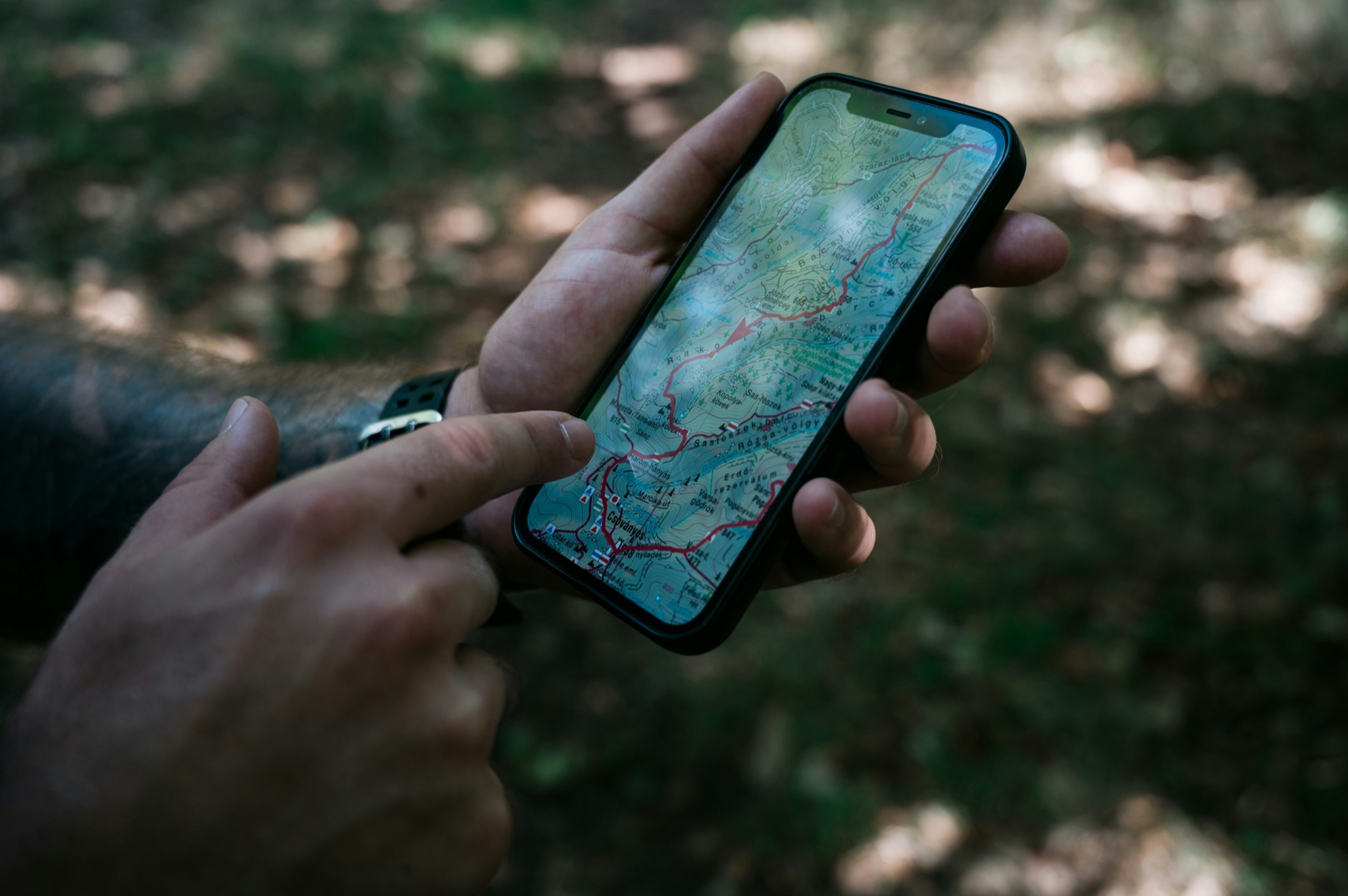
A library without maps is an encyclopedia that can’t tell you where the evacuation route runs. The NOMAD-integrated source is the Protomaps Basemap: an OpenStreetMap-derived vector basemap shipped as a single PMTiles archive under ODbL; a full-planet file runs roughly 120 GB at zooms 0 through 15. NOMAD’s README lists “downloadable regional maps via ProtoMaps”; server owners get regional maps built in. Protomaps warns its download URLs can change; take files from the docs downloads page, not a deep link. The symmetry is worth noting: the whole planet weighs about what Wikipedia with images weighs. Your offline world, twice over, fits a 512 GB drive.
The classic raw-data mirror, Geofabrik, lists the US extract at 11.4 GB as of this writing. Treat `.osm.pbf` files as fuel for tools, not maps you can open; they feed GIS software and Protomaps-style pipelines. OpenAndroMaps is the third source: free Mapsforge-format vector maps for smartphone apps, a pure offline play needing a compatible reader.
On viewers: Organic Maps (Android release 2026.09.29-32) and OsmAnd download regions in-app, then work with no signal, no ads, no tracking; on desktop, QMapShack (release V_1.21.1) is a full GIS with offline routing and GPXSee (release 16.19) opens a wide variety of offline map formats. The drive carries the desktop installers plus the raw sources.
The Mac-vs-PC Boot Reality
The boot layer treats platforms very differently.
On PCs, everything is easy. Hardware from roughly 2015 onward boots USB sticks natively through UEFI, the boot-menu key at power-on shows the drive, and Linux live USBs are a solved, boring problem. This is why Linux is the universal boot layer: one stick, any PC.
On Apple silicon Macs, mostly no. Apple’s Startup Security Utility lives in recoveryOS: shut down, hold the power button, choose Options, then Utilities. Its Full Security policy (the default) runs only a current or trusted signed OS; Reduced Security allows any signed OS version Apple has ever trusted.
External boot exists, but on Apple’s terms; the term that matters, per Apple: a working built-in startup disk. A dead internal SSD means no external boot either. macOS installs onto the external volume through that same Mac’s own Recovery, and Apple documents the flow in its bootable-installer guide. A Linux stick you built on a PC will not boot an Apple silicon Mac, full stop.
For Mac households: the MacBook sibling build is the Mac story, because a plain library drive works everywhere. The Linux boot layer is insurance for PCs, where most of the world’s machines live. On Intel Macs with the T2 chip, external boot is disallowed by default until allowed in the same utility.
Windows gets a warning paragraph. Microsoft’s portable-Windows feature, Windows To Go, removed in Windows 10 version 2004. Third-party successors: WinToUSB (free tier; Professional $29.95) and Rufus’s extended Windows modes; Windows 11 adds hardware-check friction on foreign machines. For a resilience drive, make the boot layer Linux; portable Windows is a side quest.
How Big a Drive, and How Fast
Capacity first. Usable space runs 93 percent of nominal size:
| Drive | Layer 1 only | Layer 1 + boot layer | Maximalist (Wikipedia maxi + planet maps) |
|---|---|---|---|
| 64 GB | Essentials (~4 GB) | Tight: essentials + maps only | No |
| 128 GB | Working library (~16 GB) | Recommended floor: library + boot + US maps | No |
| 256 GB | Nopic build (49.1 GB) + companions | Sweet spot, with headroom | No |
| 512 GB | Maxi + companions + ebook picks | Yes, with planet PMTiles on top | Yes: ~245 GB combined, ~200 GB left |
| 1 TB | The question is moot | Yes, plus the full 206 GB Gutenberg ZIM | Yes, comfortable |
Speed second: the marketing misleads. The USB world finally labels by speed (5Gbps up to 80Gbps USB4; the old 3.x names map onto these, per Wikipedia’s USB version table). The port is rarely the bottleneck; the stick is: a drive sold as “USB 3.2” can still write at 20 MB/s, because the label describes the interface, not the memory. Above the essentials tier, buy a USB 10Gbps-class portable SSD; reserve cheap flash for the medicine-shelf-plus-boot-ISO role. Our October 2026 hardware check put HDDs near $35 per terabyte, SATA SSDs at $55 to $65, NVMe Gen4 around $75; any of these classes works.
Copy time is the short part; the mirror downloads dominate, so start big ZIMs overnight. These tiers are illustrative, not benchmarks: cheap flash writes at 30 to 40 MB/s, a good portable SSD several times faster.
| Payload | Cheap flash (~35 MB/s) | Good flash or entry SSD (~100 MB/s) | SSD on 10Gbps (~400 MB/s) |
|---|---|---|---|
| 16 GB working library | ~8 min | ~3 min | ~1 min |
| 49 GB nopic | ~24 min | ~8 min | ~2 min |
| 119 GB Wikipedia maxi | ~58 min | ~20 min | ~5 min |
| ~120 GB Protomaps planet | ~59 min | ~20 min | ~5 min |
Test It Before You Need It
An untested resilience drive is a hypothesis, not a tool. Test it the weekend you build it.
Boot-test Layer 2 on the oldest PC in the house, not the newest; a bad week hands you the oldest machine. Confirm the boot menu shows the drive, Ubuntu comes up, and the library partition is readable from the live session. Then, quarterly, mount the drive on the nearest computer and confirm every partition still reads; flash memory degrades, and a five-minute check catches it while it matters. Update INDEX.txt each time.
Do one borrowed-computer dry run: take Layer 1 to a machine that isn’t yours, launch portable Kiwix off the drive, open the medical shelf, unplug. Two minutes, nothing left on the host, evacuation scenario proven.
If the library took real time to assemble, keep two finished drives: a labeled original at home, a copy in the go-bag, the home-archive-plus-pocket-copy strategy from the offline knowledge library guide applied at the drive level.
Wrap-Up: Why This Matters
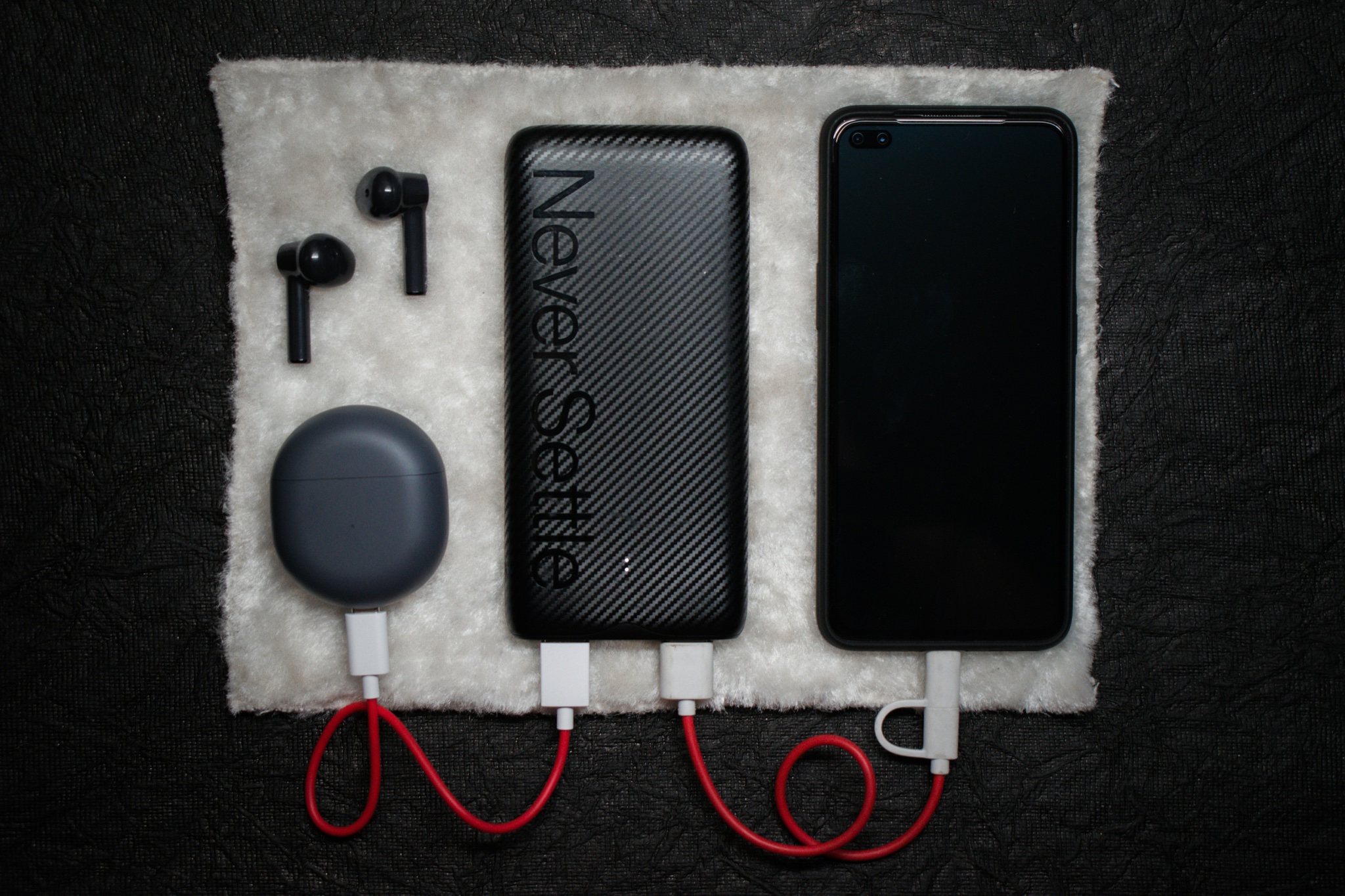
The NOMAD server is the shelf: always on, serving the household. The bootable drive is the library that leaves the house, running on a power bank, leaving no trace on a stranger’s PC, and booting a dead-afternoon laptop into a full desktop with a map of the whole country on it.
It doesn’t replace the server. It’s the go-bag copy, the neighbor’s-house copy, the zero-power copy. Start with Layer 1 tonight; it’s a copy job you can finish before bed. When you want the neighborhood version, the community mesh networks guide is the next shelf over.
Related reading
The $30 Radio That Texts Your Neighbors Without Cell Service or Internet
A $30 LoRa board and a free app let your street text through a multi-day outage — no towers, no internet, no license. Real prices, …
Own Your Spotify: Self-Hosted Music Streaming with Kima
Spotify costs $12.99/mo and deleted 75M+ tracks in 2026. Kima adds Spotify-style discovery to music you own. Full stack, cost math, and who shouldn't switch.
Your Old Echo Dot Can Ditch Alexa: Turn It Into a Private Voice Assistant
Old Echo Dot in a drawer? A one-command jailbreak turns it into a private Home Assistant voice speaker — no Alexa, no cloud. Models, risks, …